Dealing with Empty Value from Google Docs Variables
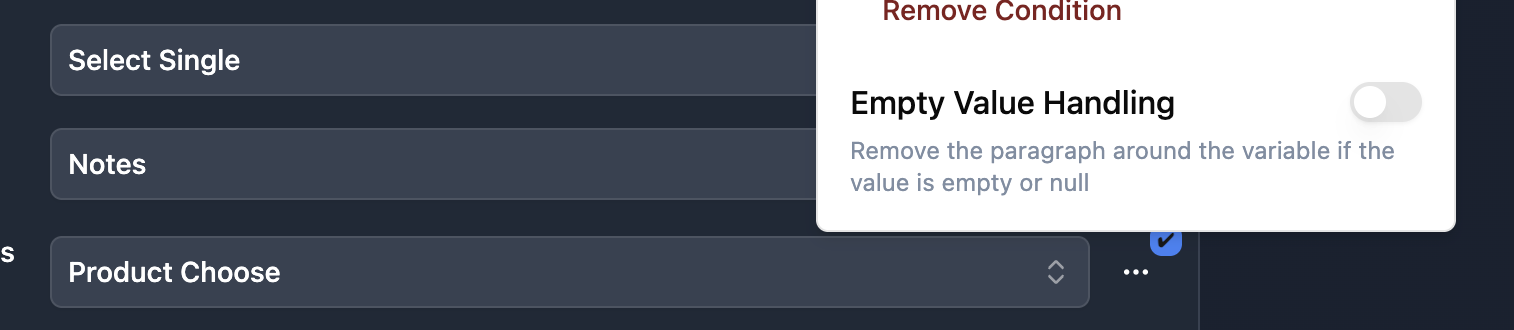
It happens that you have an empty variable from your mapping. In your document, you will see a space, particularly if the empty variable is between two paragraphs:
Your template

Paragraph one
{{variable}}
Paragraph two

Your Document

Paragraph one

Paragraph two
Depending on the document you want to produce, this space can be annoying. That's why you can activate the Empty Value Handling feature. If your variable is empty, it's going to remove this space so it will look like that:
Paragraph one
Paragraph two
It's useful for invoices that have many line addresses (we want to remove the empty line addresses)
Was this helpful?