Implement Image in Typeflow
It's possible to implement images. For that, Typeflow has a specific, {{image_xxx}}, with xxx, that can be replaced by the text you want. Once you do that, in your Typeflow configuration, you can choose the width of your image. Then we convert the images from Airtable into a JPEG format. Here are the formats accepted:
PNG
WEBP
TIFF
GIF
SVG
AVIF
HEIC/HEIF
PDF
If the variable is correctly implemented, you can choose the image's width.
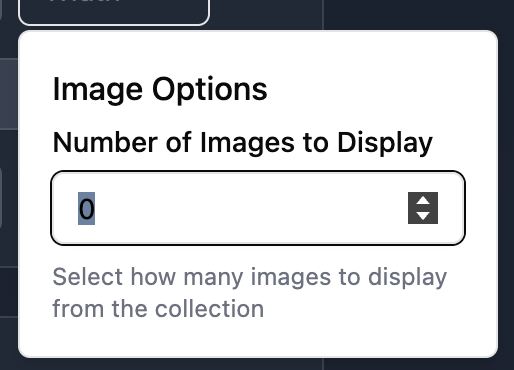
It happens that you have multiple images in your attachment field. If you only want to show the first image or the first two images, it's possible. Click on the three dots and choose the number of images you want to show.
Was this helpful?